AI Overviews for brand searches: how to check what Google says
AI Overviews for brand searches now appear on 83% of branded Google searches in the US, according to Ahrefs. Here's which sources Google uses and how to check and fix what it says about you in 20 minutes.

By Rubén García · November 12, 2026 · 6 min

When someone searches for your brand on Google, they no longer see your website first. In the US, 83% of those searches showed a summary written by Google's AI at the end of September, according to Ahrefs. And since late October, on desktop, that summary takes the right-hand column for many brand searches, where the company panel used to be. The first thing people read about you is no longer written by you.
83%
of brand searches on Google US showed an AI summary on 29 September 2026 (Ahrefs)
76%
of those summaries appeared in first position, above the brand's own site (Ahrefs, 100 brands)
72%
of the external links cited in those summaries pointed to Wikipedia, almost 3 in 4 (Ahrefs)
What's changing with AI Overviews for brand searches on Google?
AI Overviews are the AI summaries Google shows in its results. Until recently they appeared mainly for general questions, not when people searched for a brand name.
That has changed. Ahrefs analysed 232.8 million searches on Google US between July and September 2026. The average share of brand searches with an AI summary rose from 61.3% in July to 73.3% in September.
On top of that, on 2 November Search Engine Roundtable reported another change. On desktop, Google now puts many brands' AI summary in the right-hand column. That's where the knowledge panel (the box with the company's details) used to be. Google hasn't announced it as a general change.
For your business, this means customers read a text about you before they visit your site. If that text contains a mistake, Google repeats it to everyone who looks you up, so it pays to know what it says.
Your name on Google is your shop window, even if you don't write it.
Which sources does Google use to write the AI summary of your brand?
Google blends information from several websites. In a sample of 100 global brands, Ahrefs found that almost 3 in 4 external links in the summary went to Wikipedia. YouTube and LinkedIn came next.
What those sites say about you weighs as much as your own site. And according to Ahrefs, brands control them far less than their own domain. So it's worth reviewing your LinkedIn page, your videos and any article that talks about you.
The good news: Ahrefs found only one competitor's site across 57 source lists. The risk is less about competitors and more about old or incomplete information.
If you want to understand why AI cites some sources and not others, read our guide to showing up in ChatGPT.
Source: Ahrefs, 92.5 million desktop brand searches, July to September 2026.
Your take, in one click
Have you searched for your brand on Google this month?
Do AI Overviews show up for brand searches outside the US?
They can. According to Google's help pages, AI Overviews are available in many countries and languages, including Spanish-speaking markets in Spain and Latin America. What's missing is public data on how many brand searches show them outside the US.
That's why at Garcai we think the only reliable way to know is to look for yourself. It takes 5 minutes and tells you more than any study from another country.
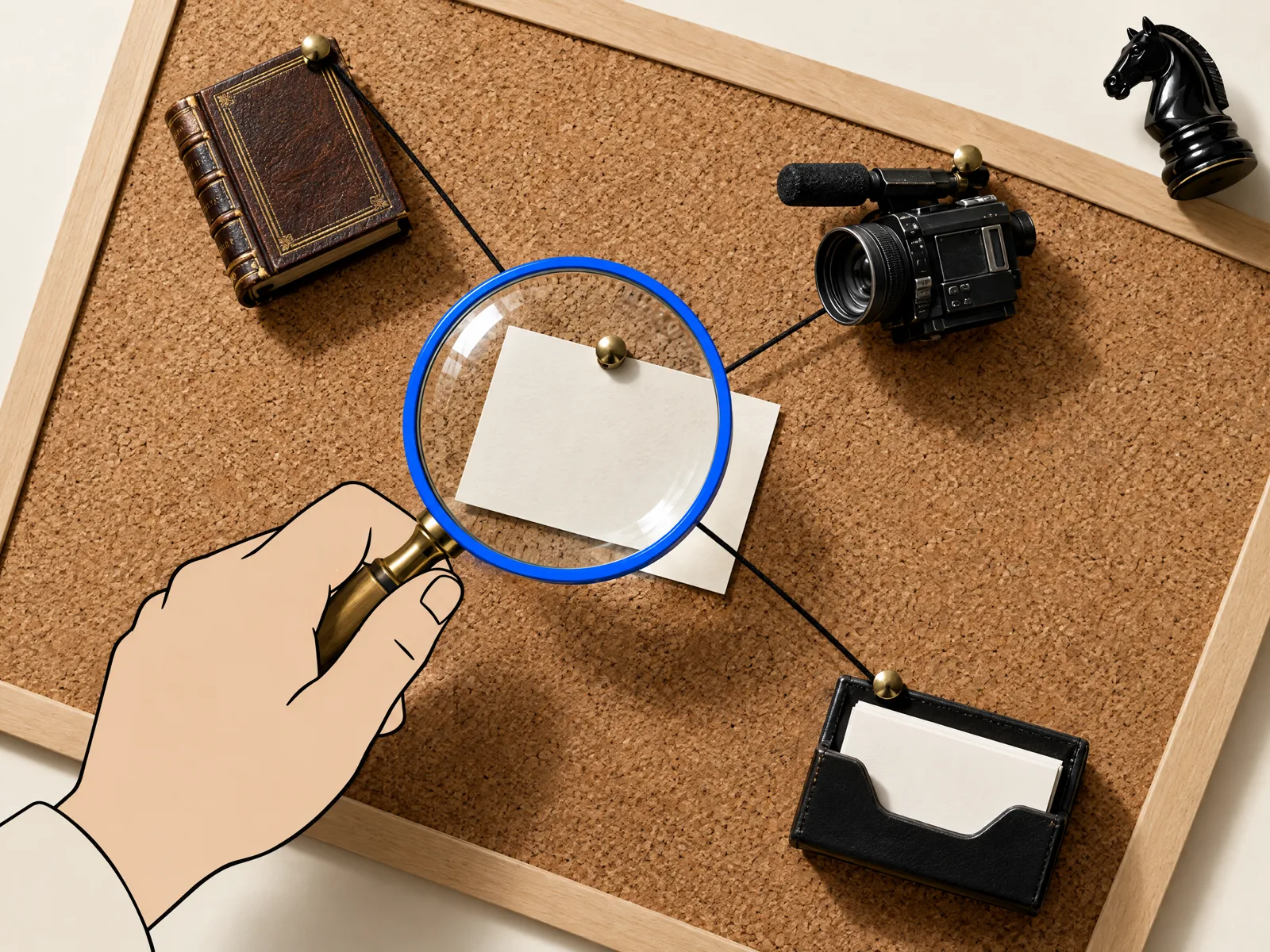
The Garcai method: check the AI Overviews for brand searches in 20 minutes
You don't need to know SEO (search engine optimisation). All you need is a computer, a phone and a sheet to take notes.
- Open an incognito window, signed out of Google, and search for your brand name. Do it on desktop and on mobile. Note whether an AI summary appears and where.
- Read the summary as a customer would. Check that what you sell, where you are, your opening hours and your prices are correct.
- Open the links the summary cites. Note which are yours and which belong to others: Wikipedia, YouTube, LinkedIn or directories.
- Fix what depends on you: your ‘About us’ page, your Google Business Profile, your LinkedIn page and your video descriptions.
- If the summary contains a mistake, click the thumbs-down icon and then ‘Report a problem’. If you have a knowledge panel, claim it and suggest changes.
You can do it yourself: all 5 steps, once a month.
Ask your tech team if your ‘About us’ page doesn't explain clearly who you are. Message ready to copy: ‘Can you check that our About us page says what we do, where we are and since when? It should match our Google Business Profile.’
At Garcai we kept one thing in mind when writing this method: you can't edit the summary. You can improve what the AI reads about you and tell Google when it gets something wrong.
Common mistakes when checking AI Overviews for brand searches
- Searching for your brand while signed in: Google personalises results and you don't see what a customer sees.
- Only checking on desktop: on mobile the summary may appear somewhere else or not at all.
- Having different details on your site, your Business Profile and your social media: AI blends sources and repeats whatever it finds.
- Creating pages just to ‘convince’ the AI: Google may treat that as spam, as we explain in our guide to the Google spam update.
- Checking once and forgetting about it: Google changes the layout of its results often.
Your website is still the foundation, but it's no longer the first thing people read when they look you up. The first thing people read about you is no longer written by you: check it every month. And if you want to know how much people trust what AI recommends, see our analysis of trust in AI recommendations.
Frequently asked questions
What are Google's AI Overviews?
They're the AI-written summaries Google shows in its search results. In Spanish, Google calls them ‘Vistas creadas con IA’.
Do AI Overviews appear when people search for my brand outside the US?
They can, because Google offers these summaries in many countries and languages. There's no public data on how many brand searches show them, so search for yourself.
Can I change what the AI summary says about my brand?
Not directly. You can fix the sources the AI reads and tell Google using ‘Report a problem’.
Is the AI summary replacing my company's knowledge panel?
For many brand searches in the US, it already takes its place in the right-hand column on desktop. Google hasn't announced it as a general change.