
Image to video AI ads on Meta: turn product photos into video ads
Image to video AI: Meta now turns your product photos into video ads, with no filming. Almost 10 million advertisers use its AI tools. How to do it well and what to check before you publish.

By Rubén García · October 27, 2026 · 5 min
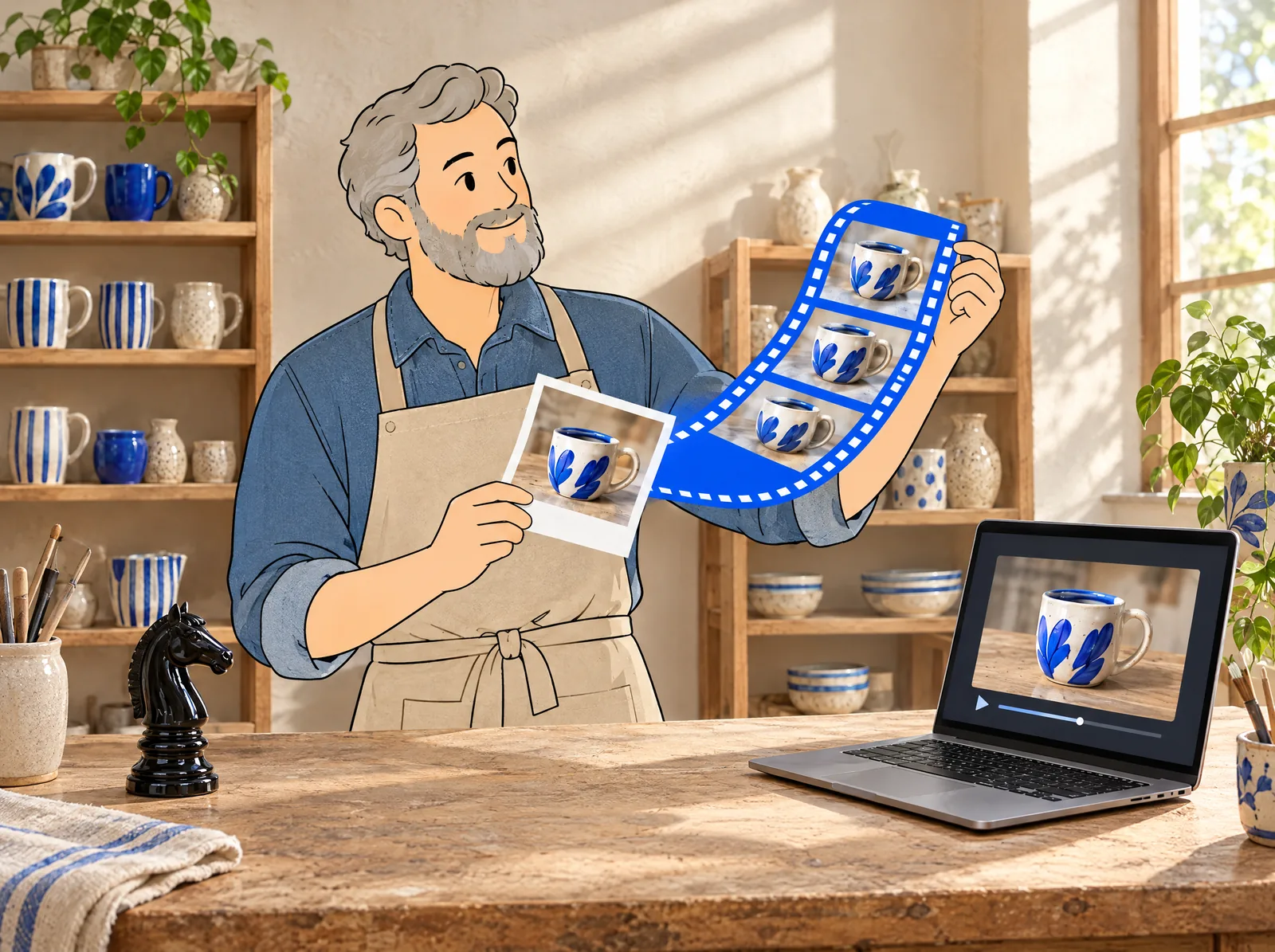
Image to video AI is now in Meta's ad tools. Advantage+ creative, the AI part that creates variations of your ads, turns your product photos into short videos. According to press reports citing Meta's results, almost 10 million advertisers used one of its generative AI tools in the third quarter. For a small store, it means having video without a camera or a shoot budget.
10M
advertisers (almost) who used one of Meta's generative AI tools in Q3 2026 (press, citing Meta)
+25%
more advertisers using video generation quarter on quarter (press, citing Meta)
2M
advertisers (almost) already using Advantage+ generative video in 2025 (Meta)
What is Meta's image to video AI and who can use it?
It's a feature of Advantage+ creative in Ads Manager. You upload one or more photos and the AI creates a short video with movement, cuts and music. According to Meta, it's now available to all advertisers.
Meta is also testing a catalogue version that turns your product photos into videos at scale. For now it's only in beta, that is, in testing for some accounts. There's also a creative studio (Ads Creative Studio) to edit the hook, audio and length.
What it means: video is no longer expensive to produce. Why it matters: Reels and Stories are almost all video, and many small stores could only advertise with still photos before.
Rule of thumb: AI moves the photo; you bring the story.
What does it do well and what do you need to check?
The AI handles the mechanical part well: moving the image, cropping for each format and testing variations. What it doesn't know is what makes your product special or what your customer cares about. You bring that in the copy and the first second.
What to check: that the product doesn't change shape, colour or size. That no odd objects appear. And that the video doesn't promise something you don't offer. Meta may label these ads with ‘AI info’ when the image was created or heavily edited with AI.
Rule of thumb: if the video shows your product differently from how it really is, don't publish it.
Your take, in one click
What holds you back most from making video ads?

The Garcai method: from photo to video in 6 steps
You need one afternoon and access to your Meta Ads Manager. No video editing skills needed.
- Pick your 3 best-selling products. They'll tell you fastest whether video works.
- Prepare a good photo of each one using the list below: natural light, clean background and the whole product.
- In Ads Manager, create the ad with your photos and turn on video generation in Advantage+ creative.
- Check each version: product identical to the real one, no odd objects and no promises you can't keep. Discard the rest.
- Write the copy with the first second in mind: what problem the product solves. To speed it up, use our prompts (instructions for AI) for ad copy.
- For 2 weeks, compare the cost per sale of the video with the still photo. Keep whichever sells more cheaply.
Starting photo checklist:
- Natural or even light.
- Clean background with no other products.
- The whole product, in sharp focus.
- Vertical or square.
- No text on top, which the AI may distort.
You can do it yourself: all six steps, from Meta Ads Manager.
Ask your tech team if you want the catalogue version, which converts all your product listings at once. Ready-to-send message: ‘Does our Meta account have access to the catalogue product video beta? If so, I'd like to test it with 10 products before turning it on for all of them.’
Common mistakes
- Using a dark photo or one with lots of background: the AI doesn't fix it, it makes it worse.
- Publishing every version without checking them one by one.
- Trusting the AI to write the hook: you decide the first second.
- Measuring only views instead of cost per sale.
- Forgetting the season: prepare your videos before Black Friday AI shopping, not that same week.
Image to video AI removes the ‘I don't have video’ excuse, but not the ‘I have nothing to say’ one. Remember: AI moves the photo; you bring the story. To compare it with other tools, see our AI video ad tools comparison and the guide to AI avatars for ads.
Frequently asked questions
How do I turn a photo into a video with AI on Meta?
Create the ad with your photos in Ads Manager and turn on video generation in Advantage+ creative. Then check each version before publishing it.
Is Meta's image to video free?
Yes, there's no extra cost: it's an Advantage+ creative feature. You only pay for the ads you run.
Are AI-made ads labelled?
They can be. Meta shows ‘AI info’ on some ads whose image was created or heavily edited with its AI.
Do I need video editing skills?
No: the AI creates the video from your photos. You just need good photos and to check the result.