
Artificial intelligence
Accessibility tree

By Rubén García · 3 min
An organized representation of a page that communicates element names, roles and relationships to assistive technology.
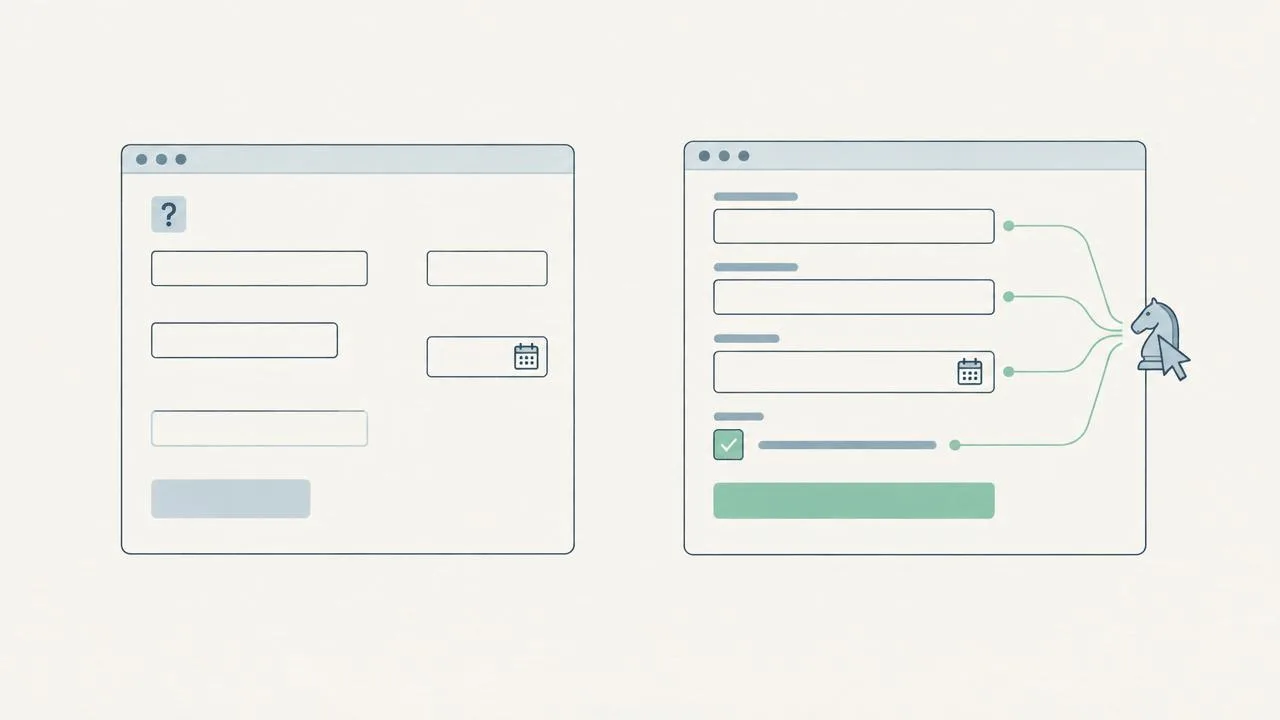
It describes what is on a page and what it does, rather than capturing its appearance. A browser can represent a control as ‘button: Choose date’ and a field as ‘email address’. This information helps screen readers and agents that consult this representation.
Hypothetical example: a calendar icon is visually obvious, but a machine may encounter only an unnamed button. An accessible name explains the action without requiring recognition of the drawing.
An accessible name explains what a control is; its role identifies it as a button, link or field. Placeholder text does not necessarily replace an associated label. The code must communicate that relationship even after the user has typed.
Without coding, check whether buttons have specific names and fields remain identifiable. Then ask your team to inspect the accessibility tree: an attractive screenshot does not prove these relationships exist.
Chrome highlights that agents can use this representation to identify controls. A well-built tree does not certify all website accessibility or ensure every agent completes a task. Also check keyboard use, errors and the final outcome.