Google Ads AI Max: what it is and how to check if it's already on
Google Ads AI Max picks searches, ad copy and pages for you. Google cites 14% more conversions, and since September it switches it on automatically in many campaigns. What changes and how to check it in 15 minutes.

By Rubén García · October 26, 2026 · 6 min
Google Ads AI Max is a set of AI features for Search campaigns. It decides which searches show your ad, rewrites your copy and picks the landing page. According to Google, it brings 14% more conversions on average: about 14 extra sales for every 100. But since September, many campaigns have had it switched on without anyone asking for it.
14%
more conversions on average when turning on AI Max, at a similar cost (Google internal data, 2025)
27%
uplift for campaigns mostly using exact or phrase match keywords (Google)
Feb 2027
when Dynamic Search Ads will move to AI Max (Google)
What is Google Ads AI Max and what changes in your ads?
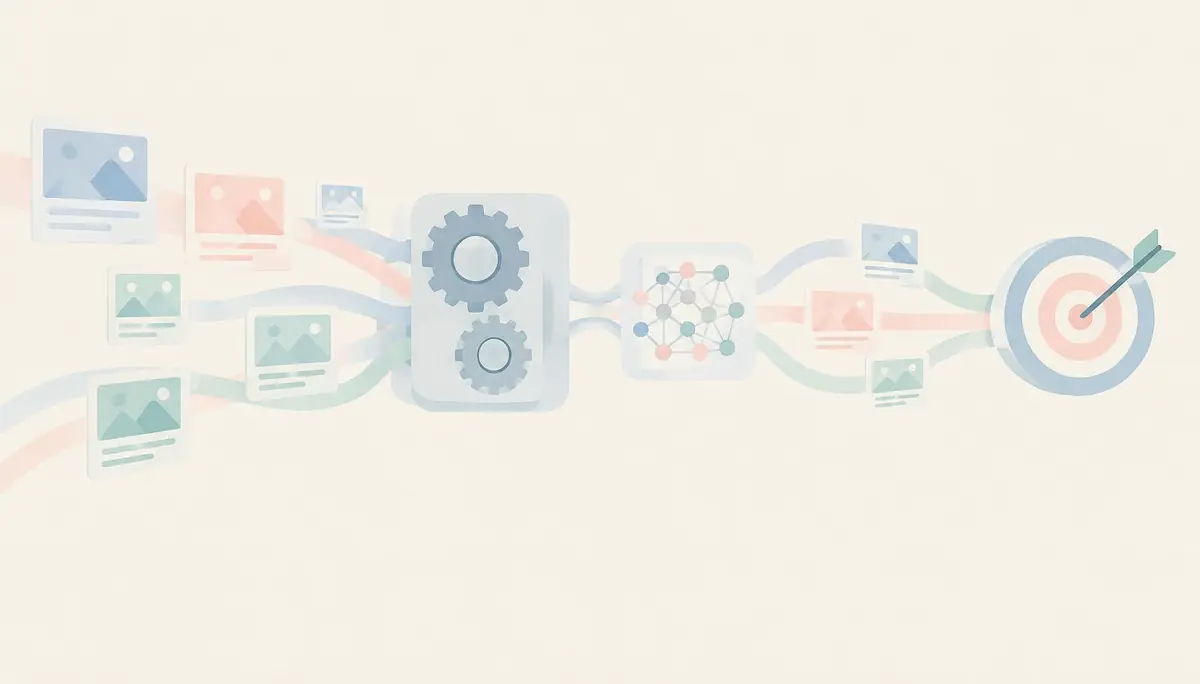
AI Max isn't a new campaign type. It's a switch inside your Search campaigns that turns on three features. According to Google Ads Help, they are:
- Search term matching: your ad can show for searches similar to your keywords, even if you never added them.
- Text customization: AI writes new headlines and descriptions based on your website and existing ads.
- Final URL expansion: Google picks the page on your site it thinks best fits each search.
What it means: you give Google more freedom in exchange for more reach. It works much like broad match (when your ad shows for related searches, not only your exact ones). Why it matters: if your site has old pages or claims you don't want to promise, the AI can use them too.
Rule of thumb: before turning it on, make sure your website only says what you're willing to advertise.
Why might it be on if you never switched it on?
Google announced that campaigns using automatically created assets (now called text customization) move to AI Max from September 2026. So do campaigns with the campaign-level broad match setting. For Dynamic Search Ads, Google pushed the change back to February 2027.
What it means: if you ever ticked one of those options, your campaign may already be on AI Max. In October, Search Engine Land reported similar cases in Google Ad Grants accounts, the free ads programme for nonprofits. What to do: open each Search campaign's settings and check the AI Max status.
Rule of thumb: if you haven't checked it, Google has already decided for you.
How do I know if AI Max is working for me?
In October 2026 a new report started appearing in some accounts: ‘Search terms and ad combinations’. According to Search Engine Land, it shows which search, headline and landing page were used together in each ad. Trade press has also spotted columns that separate searches from your keywords and those added by AI Max.
What it means: for the first time you can see what the AI brings versus what your keywords brought. What to do: compare the cost per sale of both, not just clicks. Why: more clicks are useless if those searches don't buy.
Rule of thumb: judge AI Max by cost per sale, not by volume.
Source: Google, AI Max announcement (May 2025). Google internal data, no published sample.

The Garcai method: review AI Max in 15 minutes
Do this for each Search campaign. All you need is access to your Google Ads account and a spreadsheet.
- Open each Search campaign's settings and note whether AI Max is on and since when.
- Check the three features separately: search term matching, text customization and final URL expansion.
- Review the assets marked ‘Google AI’ in the asset report. Those are the texts the AI wrote. Remove any that promise something you don't offer.
- Exclude the pages you don't want to advertise: legal notices, jobs, expired offers or the blog.
- Add the brands you want to include or exclude. For example, exclude a competitor's brand if you don't want to bid on it.
- For 30 days, compare cost per sale for your keywords and for AI Max in the search terms report. If AI Max costs much more, turn off the feature spending the most.
You can do it yourself: all six steps, from your Google Ads account. No coding needed.
Ask your tech team or your agency if they run your campaigns. Ready-to-send message: ‘Which Search campaigns have AI Max on, and since when? Please send me the cost per sale for AI Max searches and for our own keywords over the last 30 days.’
To write better base copy, use our prompts (instructions for AI) for ad copy. If you also buy on Meta or Performance Max, here's how Meta Advantage+ and Google PMax compare.
Common mistakes
- Thinking AI Max is a separate campaign: it's a switch inside your Search campaigns.
- Not reviewing the AI-written copy and advertising shipping, prices or warranties you no longer offer.
- Measuring only clicks or impressions instead of cost per sale.
- Turning everything off in week one: the AI needs a few days of data to learn.
- Forgetting the season: before Black Friday AI shopping, check which pages Google can pick.
AI Max can bring you searches you hadn't thought of, but it needs watching like any other channel. If you haven't checked it, Google has already decided for you. And if you're looking at other AI channels, see what changes with ChatGPT Ads.
Frequently asked questions
What is Google Ads AI Max?
It's a set of AI features for Search campaigns. It widens the searches you show for, writes copy and picks the landing page.
Is AI Max mandatory?
It isn't mandatory, but Google has been switching it on automatically in some campaigns since September 2026. You can review and change it in each campaign's settings.
Does AI Max replace Performance Max?
No. Performance Max runs ads across all Google channels, while AI Max only works inside Search campaigns.
How do I see which searches AI Max brings?
In each campaign's search terms report. Google is adding columns to separate what comes from AI Max.