SEO & GEO
Robots.txt: what it is and how it decides which AI bots read your site

By Rubén García · 3 min
A file on your website that tells the programs reading it (crawlers) which parts they may visit and which they may not.
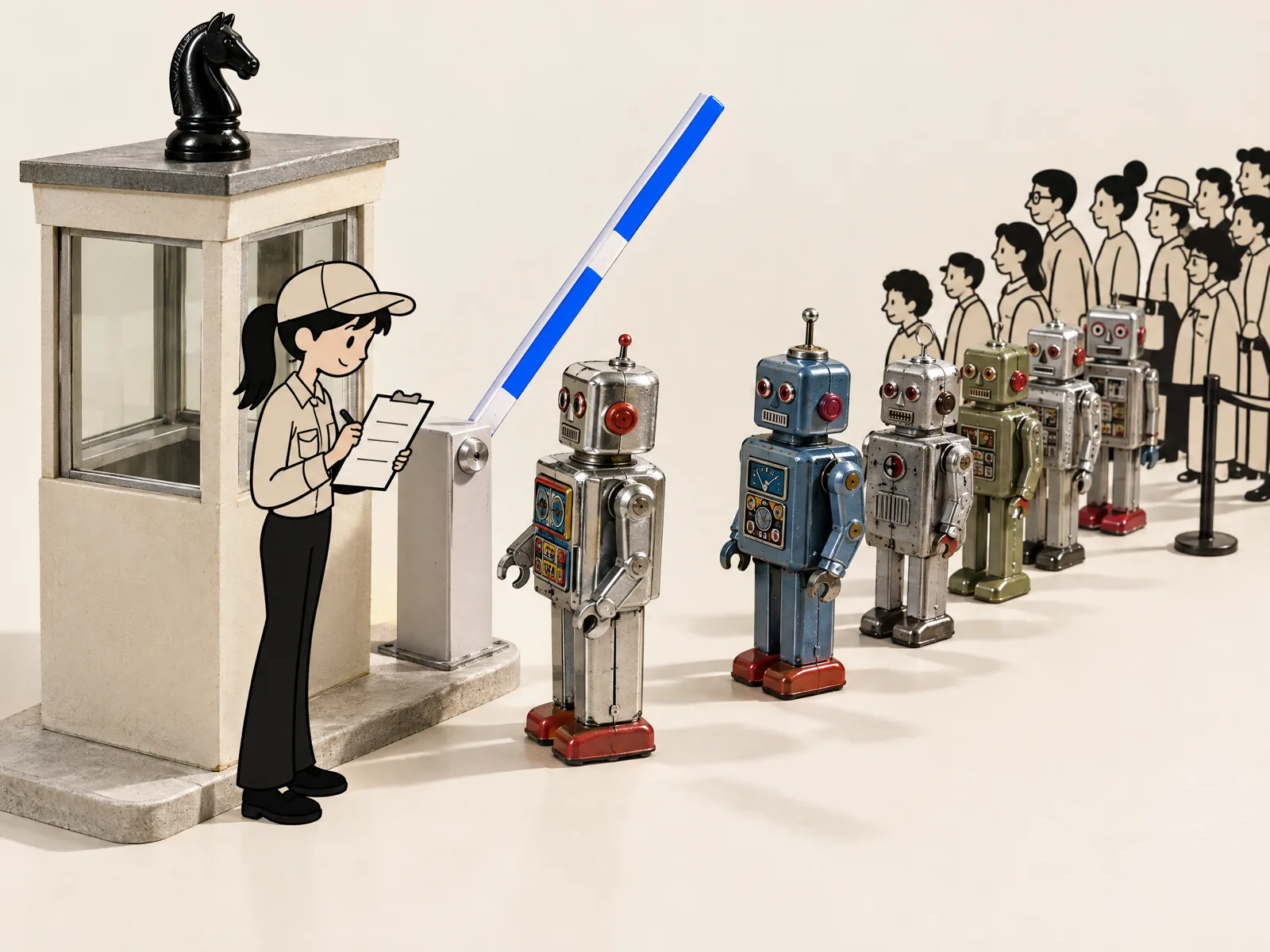
What is robots.txt?
It's a text file that always lives at the same address: your domain followed by /robots.txt. It's read by crawlers, the programs that visit websites for search engines and AI companies. In it you say which programs may come in and which parts of your site they may read.
Think of it as the sign on an office door: it shows where people may go. But it isn't a lock. According to Google, reputable crawlers follow its instructions and others may ignore them.
Inside, each block starts with a program's name and says which folders it may or may not read. If a program isn't mentioned in the file, it assumes it can read everything. And if the file doesn't exist, the same goes for all of them.
What is robots.txt for, and what isn't it for?
According to Google, its main use is to stop your site being overloaded by these programs' visits. It doesn't make a page disappear from Google. For that, you ask for it not to be shown or protect it with a password.
- It works for: asking a specific program not to read your site or part of it.
- It works for: separating decisions, such as letting ChatGPT search in but not the program that trains its models.
- It doesn't work for: hiding private information. Use a password for that.
- It doesn't work for: removing a page from Google if other sites link to it.
Why does robots.txt matter more with AI?
Because many more programs now read your site, and each does something different. OpenAI, for example, uses one for its search (OAI-SearchBot) and another for training models (GPTBot). According to its documentation, each setting is independent.
Google has Google-Extended to decide whether your content can train Gemini. According to Google, blocking it doesn't affect whether you appear in its search engine or how you rank. And the program that visits a page when a user asks ChatGPT to may not follow robots.txt, according to OpenAI.
There's another layer many people forget. Since July 2025, Cloudflare, which protects 1 in 5 websites, has asked every new site whether to let AI crawlers in. That block works separately from robots.txt.
At Garcai we think blocking ‘AI’ all at once is a mistake for almost any small business: you may vanish from ChatGPT search by accident. We explain it in detail in GPTBot and other AI crawlers.
How do you check your robots.txt without coding?
- Type your domain followed by /robots.txt into your browser and see what appears.
- If it doesn't exist, every program can read your site.
- Look for the names GPTBot, OAI-SearchBot and Google-Extended. If ‘Disallow’ with a slash appears next to one, that program is blocked.
- Ask whoever runs your site whether you use Cloudflare and whether its AI bot block is switched on.
- Decide what you want and ask for the change. According to OpenAI, its search takes about 24 hours to apply it.
Common mistakes with robots.txt
- Using it to hide private pages: anyone can read the file and see what you're trying to hide.
- Blocking Googlebot by mistake and disappearing from Google.
- Blocking every AI bot and dropping out of ChatGPT search too.
- Only checking robots.txt and forgetting the Cloudflare or hosting block.
At Garcai we recommend checking it twice a year, because AI companies add new programs. And if what you want is for AI to cite you, the next step is our guide to showing up in ChatGPT.
Frequently asked questions
Where is my site's robots.txt?
Always at your domain followed by /robots.txt. If nothing appears, your site doesn't have one.
Does robots.txt stop AI from reading my site?
Only programs that respect it. To truly hide something, use a password.
Does blocking GPTBot remove me from ChatGPT?
No. GPTBot is for training models; ChatGPT search uses OAI-SearchBot.
Do I need to code to change it?
Not to check it. To change it, ask whoever runs your site or use your content manager's setting.